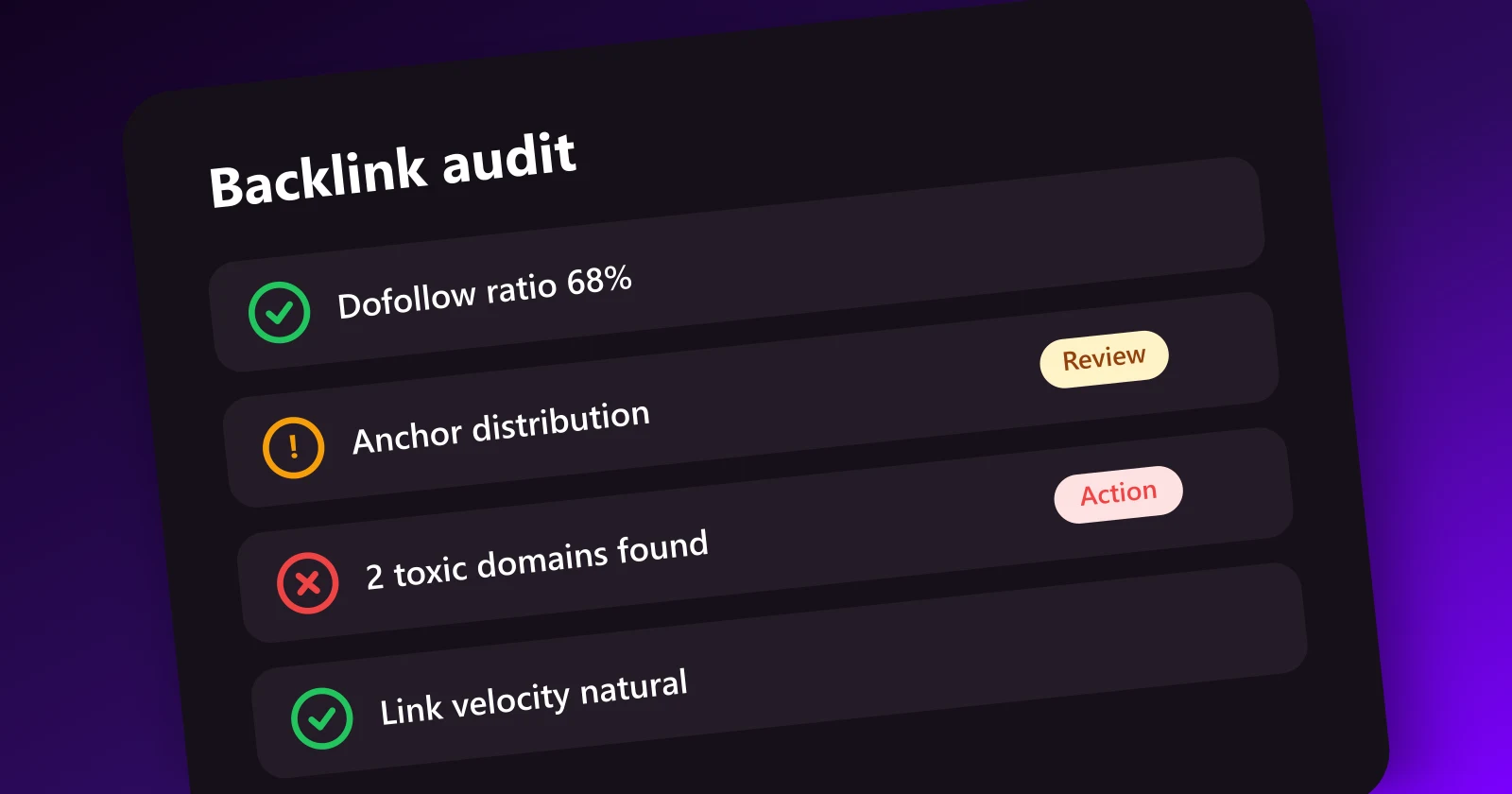
How to Do a Backlink Audit (Step-by-Step, With Free Options)

Most site owners have never actually looked at their backlink profile. They check a Domain Rating number once in a while, they celebrate when a new link lands, and that is it. Then one day traffic dips, or they are about to spend money on a domain, and suddenly they need to answer a hard question: what exactly is linking to this site, and is it helping?
That answer comes from a backlink audit. It sounds like a consultant word, but it is really just a structured pass through every domain that links to you, with a decision at the end of each row. We run this process on every site that joins the Meeeters network, and after seeing hundreds of profiles, we can tell you the audit itself is not hard. What is hard is knowing what actually matters and what is noise. This guide covers both.
What a backlink audit actually is
A backlink audit answers four questions:
- Who links to me? The full list of referring domains, not just the highlights a tool dashboard shows you.
- How do they link? Dofollow or nofollow, what anchor text, from what kind of page, placed where on that page.
- Is anything broken or weird? Lost links, sudden spikes, anchors you never asked for, languages that make no sense for your market.
- What do I do about it? A concrete action per finding: reclaim, ignore, adjust strategy, or in rare extreme cases, disavow.
What a backlink audit is not: a toxicity purge. A whole industry grew around scaring site owners with "toxic link scores" and selling cleanup services. Google has been clear for years that its systems ignore most spam links on their own. The audit's job is understanding, not panic.
When to audit (and when not to bother)
You do not need to audit constantly. These are the moments that justify the time:
After an unexplained traffic drop. Before you rewrite content or blame an algorithm update, check whether you lost important links. Sites lose 5 to 10% of their backlinks per year to link rot, and losing two or three strong referring domains can visibly move rankings. We covered the mechanics in why backlinks disappear.
Before buying a domain or an existing website. This is the single most important audit you will ever do. An expired domain or a site for sale can carry a history of paid links, PBN placements or spam anchors that you inherit on day one. Ten minutes in a backlink tool has saved buyers from five-figure mistakes.
Quarterly hygiene. A light check: new referring domains this quarter, lost links worth reclaiming, anchor distribution still natural. Thirty minutes, four times a year.
Before starting serious link building. You cannot plan where to go without knowing where you are. If your profile is 90% directories, your first priority is different than if you already have 50 solid editorial links.
After a manual action notice. The one scenario where the audit becomes urgent and where the disavow tool actually enters the picture, more on that at the end.
If none of these apply, quarterly is plenty. Auditing weekly is procrastination dressed as diligence.
Step 1: pull your complete profile
You need the raw data first. Two routes.
The free route: Google Search Console
GSC shows you the links Google itself knows about, which is arguably the most relevant dataset of all, since it is the one Google uses. In Search Console, go to Links in the left menu. You get:
- Top linking sites: your referring domains, with link counts.
- Top linked pages: which of your pages attract links.
- Top linking text: your anchor distribution.
Click Export in the top right of each report. If you have never set up Search Console, Google's Search Console help center walks through verification in a few minutes.
GSC's limits: it caps exports around 1,000 rows, it shows samples rather than the exhaustive list, it does not label dofollow versus nofollow, and it gives you zero quality metrics about the linking sites. For a small site, that is fine. For anything with thousands of referring domains, you will want a tool.
The paid route: backlink tools
Ahrefs, Semrush, Majestic and Moz each crawl the web independently and maintain their own link index. They give you what GSC does not: dofollow flags, traffic estimates for each linking domain, first-seen and lost dates, and authority scores. We compared them in detail in our backlink checker tools guide, including which free tiers are usable for a one-off audit.
Whichever you use, export everything: the full backlink report and the referring domains report. Do not audit inside the tool's interface. A spreadsheet forces you to actually look at each domain instead of skimming a dashboard.
Step 2: referring domains, not raw links
The first thing to fix in your head before analyzing anything: the unit of the audit is the referring domain, not the individual backlink.
If a blog links to you from its sidebar, that one decision generates a link on every page of the blog, potentially thousands of "backlinks" from a single source. Tools count them all. Google, for ranking purposes, largely treats repeated links from one domain as one vote. So a profile that reads "14,000 backlinks" might really be 60 referring domains, three of which have sitewide links inflating the number.
Dedupe your export by domain. Your working list is now maybe 50 to 500 rows instead of thousands, and every judgment you make from here happens once per domain. This distinction matters enough that we wrote a full piece on referring domains versus backlinks, but for the audit, the rule is simple: analyze domains, note which ones link sitewide, and never let a raw link count impress or scare you.
Step 3: check your dofollow ratio
Nofollow links are normal and healthy. Social profiles, forum mentions, many news sites, most user-generated content: all nofollow by default. A profile with zero nofollow links looks stranger than one with plenty.
What you are looking for is the opposite problem in either direction:
- Almost 100% nofollow: your link building is producing mentions but no equity. Common for sites whose only links come from social media and directories. Not dangerous, just ineffective.
- Suspiciously perfect dofollow: a profile that is 98% dofollow, all from low-traffic blogs, all in-content, often signals bought placements, because nobody's natural profile looks that clean.
Most healthy profiles we see sit somewhere between 60% and 85% dofollow at the referring domain level. There is no magic number, and the ratio alone proves nothing, it is one signal among several. If you are fuzzy on the mechanics, the dofollow versus nofollow explainer covers what each attribute actually passes.
Step 4: anchor distribution red flags
Anchor text is where past mistakes show up most clearly, because it is the one part of a link the linking party rarely writes carefully unless someone paid or asked them to.
Pull your anchor report (GSC's "Top linking text" or your tool's anchors tab) and sort by frequency. A natural profile is dominated by:
- Brand anchors: "Meeeters", "meeeters.com"
- URL anchors: the raw address
- Generic anchors: "this guide", "here", "read more"
- Long natural phrases: fragments of sentences people wrote organically
The red flags:
- Exact-match money keywords as your top anchors. If "buy running shoes online" outranks your brand name in your own anchor cloud, that is the fingerprint of old-school anchor optimization, and it is exactly what Penguin-style systems were built to catch.
- The same commercial anchor repeated across many unrelated domains. One site describing you with a keyword is natural. Forty sites using the identical three-word phrase is a pattern.
- Anchors in languages you never targeted, or anchors mentioning casinos, pharma or replica goods. That is not your SEO, that is spam pointing at you, or a sign the domain had a previous life.
What to do about bad anchors is covered in step 8, but preview: for links you control or request going forward, fix the strategy. For spam anchors you never asked for, usually nothing.
Step 5: geographic and language oddities
Sort your referring domains by country or TLD. A French bakery blog should not have 40% of its links from .ru and .cn domains. An English SaaS should not be dominated by anchor text in Turkish.
Some noise is universal: every site on the internet accumulates a baseline of random international scraper and aggregator links. They copy content, they auto-generate pages, they link to everything. Google knows what these are and ignores them.
The pattern worth noting is concentration. A large cluster of same-language, same-region links that has nothing to do with your market usually means one of three things: someone ran a cheap link package on your site (possibly a previous owner), you were scraped at scale by one network, or a negative SEO attempt happened. In all three cases the primary response is documentation, not action. Note it in the audit, watch whether it grows, and resist the urge to disavow reflexively.
Step 6: link velocity
Velocity is the rhythm at which you gain and lose links over time. Every serious tool charts this; in GSC you can approximate it by comparing exports across months.
What healthy looks like: a gradually rising line with small bumps when you publish something notable or get press. What deserves a closer look:
- A vertical spike you cannot explain. 300 new referring domains in a week without a viral moment usually means scraper networks or a spam wave. Check what the domains are before feeling flattered.
- A cliff drop. Many links lost at once almost always traces to a single cause: one site with a sitewide link redesigned, a network went offline, or a tool refreshed its index. Find the cause before assuming disaster.
- A perfectly regular staircase. Twenty new links on the first of every month, identical in type, is the signature of a subscription link service. If you are not the one paying for it, a predecessor was.
Velocity findings rarely require action by themselves, but they date your problems. A spam spike in 2023 that flatlined afterwards is history. One that is still climbing is current.
Step 7: spotting toxic patterns
Here is the honest framing before you touch this step: most "toxic" links are harmless. Google's stated position is that its systems recognize and ignore the vast majority of spam links automatically. The audit identifies toxic patterns so you understand your profile and can answer for it, not so you can nuke everything with a red score.
That said, patterns worth flagging, in rough order of seriousness:
- Paid link footprints: links from "write for us" farms, sites whose every post links out to a different commercial site, PBN networks with matching templates and no real traffic.
- Link scheme leftovers: old reciprocal link directories, blog comment spam with keyword anchors, forum signature campaigns from 2012.
- Hacked and injected links: your URL appearing on hacked pages, often surrounded by pharma and casino anchors.
- Pure scraper noise: stat aggregators, domain-info sites, auto-generated "similar sites" pages. This is the bulk of most profiles' ugly section and matters the least.
The full taxonomy, with examples of what each pattern looks like in a tool export, is in our guide to toxic backlinks and bad SEO. For the audit, tag each suspicious domain with its pattern type. Only pattern 1, at scale, with evidence someone actually built those links deliberately for your site, ever justifies thinking about disavow.
Step 8: score every referring domain
Now the productive part. Go through your deduped domain list and score each one on three criteria. We use a simple 1 to 3 scale per criterion at Meeeters when vetting network sites, and it maps well to audits:
| Criterion | 1 point | 2 points | 3 points |
|---|---|---|---|
| Relevance | No topical connection to your site | Broadly adjacent industry or audience | Same niche, same audience, link makes editorial sense |
| Traffic | No detectable organic traffic | Modest but real traffic (ranks for something) | Solid, stable organic traffic in your language/market |
| Placement | Footer, sidebar, author bio, comment | In content but generic page (resource list, roundup) | Editorial, in-context, inside a relevant article |
A domain scoring 7 to 9 is an asset: protect it, and study how you got it because you want more like it. A 4 to 6 is neutral-positive: fine, not a model. A 3 is noise: it neither helps meaningfully nor, in almost all cases, hurts.
Two notes on scoring. First, authority metrics like DR are deliberately not a column. They are useful context, but relevance and real traffic predict value better than a score that can be inflated with the right spam. Second, score honestly on placement. Site owners systematically overrate their footer and directory links because they remember the effort those took.
What to do with your findings
An audit that ends with a spreadsheet and no actions was a reading exercise. Here is the decision tree for each finding type.
Reclaim lost links first
The highest-ROI action on the entire list. Your tool's "lost" report (or a diff of GSC exports) shows domains that used to link and stopped. For every lost link that scored 6+ on the table above:
- Check if the linking page still exists.
- If yes, and your link was removed or broke during a redesign, send one short, friendly email pointing it out.
- If the page is gone, pitch a placement in a related live article on the same site.
Recovery rates on accidental removals are genuinely high, because the site already chose to link to you once. The full playbook is in the guide on disappearing backlinks linked above.
Fix anchor strategy going forward
You cannot rewrite existing anchors on sites you do not control, and mass-emailing webmasters to change anchor text creates a weirder footprint than the anchors themselves. The fix is prospective: if your audit showed exact-match concentration, every new link you request or place from now on should use brand, URL or natural-phrase anchors until the distribution rebalances. This is one reason the Meeeters network defaults to editorial, contextual placements where the surrounding site writes naturally: the anchors that come out of real editorial decisions are the distribution Google expects to see.
Double down on what scored 9
Your 9/9 domains are a map. What do they have in common? A content type, a relationship, a niche community? The cheapest link building strategy is doing more of what already worked.
Disavow only in extreme cases
If your audit found evidence of a deliberate, large-scale paid link history, or you are holding a manual action notice from Search Console, then and only then does the disavow tool enter the conversation. For everyone else, disavowing is somewhere between useless and self-harming, because the most common disavow mistake is nuking links that were quietly helping. We wrote the full honest treatment in how to disavow backlinks and why you probably should not.
The audit checklist
The whole process, compressed into a table you can run through each quarter:
| # | Check | Source | Healthy signal | Action if not |
|---|---|---|---|---|
| 1 | Export full profile | GSC or tool | Complete referring domain list | Set up GSC if missing |
| 2 | Dedupe to referring domains | Spreadsheet | Domain count, sitewide links flagged | Ignore inflated raw counts |
| 3 | Dofollow ratio | Tool export | Roughly 60-85% dofollow domains | Rebalance future link sources |
| 4 | Anchor distribution | GSC anchors / tool | Brand + URL + generic dominate | Natural anchors on all new links |
| 5 | Geography and language | Tool export | Matches your market, some noise | Document clusters, monitor |
| 6 | Link velocity | Tool chart | Gradual growth, explainable bumps | Trace spikes/cliffs to a cause |
| 7 | Toxic patterns | Manual review | Only scraper noise | Tag pattern type, act only on paid-link evidence |
| 8 | Score domains (R/T/P) | Manual, table above | Growing share of 7-9 scores | Reclaim lost 6+, replicate the 9s |
| 9 | Lost link reclamation | Lost report | Few losses, recoverable ones emailed | One polite email per lost link |
| 10 | Disavow decision | Everything above | File stays empty | Only manual action or documented paid history |
First full audit: budget two to three hours. Quarterly re-runs: thirty minutes, because you are only reviewing the delta.
Know your baseline before you build
Every link building decision gets easier once you have audited: you know which anchors to use, which domain types you are missing, and which of your existing links deserve protection. The most common realization after a first audit is not "I have toxic links", it is "I have fewer real referring domains than I thought, and I need more relevant ones."
That second problem is the one we built Meeeters for: it finds you dofollow backlinks in your niche, from network members that are scanned and eligible, each one checked over time to stay live and dofollow. No reciprocal links, no PBNs. If you want to see your starting point the fast way, run a free SEO analysis: it maps your current profile and shows you where your first verified backlink through the network would come from.
Frequently asked questions
Quick answers to the questions people ask most about this topic.
A light quarterly check is enough for most sites: new referring domains, lost links, anchor drift. Do a full deep audit once a year, after any unexplained traffic drop, or before buying an existing domain or website.
Yes. Google Search Console exports your linking sites, top linked pages and anchor texts at no cost. You lose metrics like traffic estimates and Domain Rating, but for a first hygiene pass GSC plus a spreadsheet covers 80% of the job.
Almost never. Google states its systems ignore most spam links automatically. Disavow only makes sense after a manual action or when you have a documented history of paid or manipulative links. For everything else, record the finding and move on.

I built Meeeters to make link building safe and simple: real, relevant backlinks with no reciprocal footprint and no black-hat shortcuts.