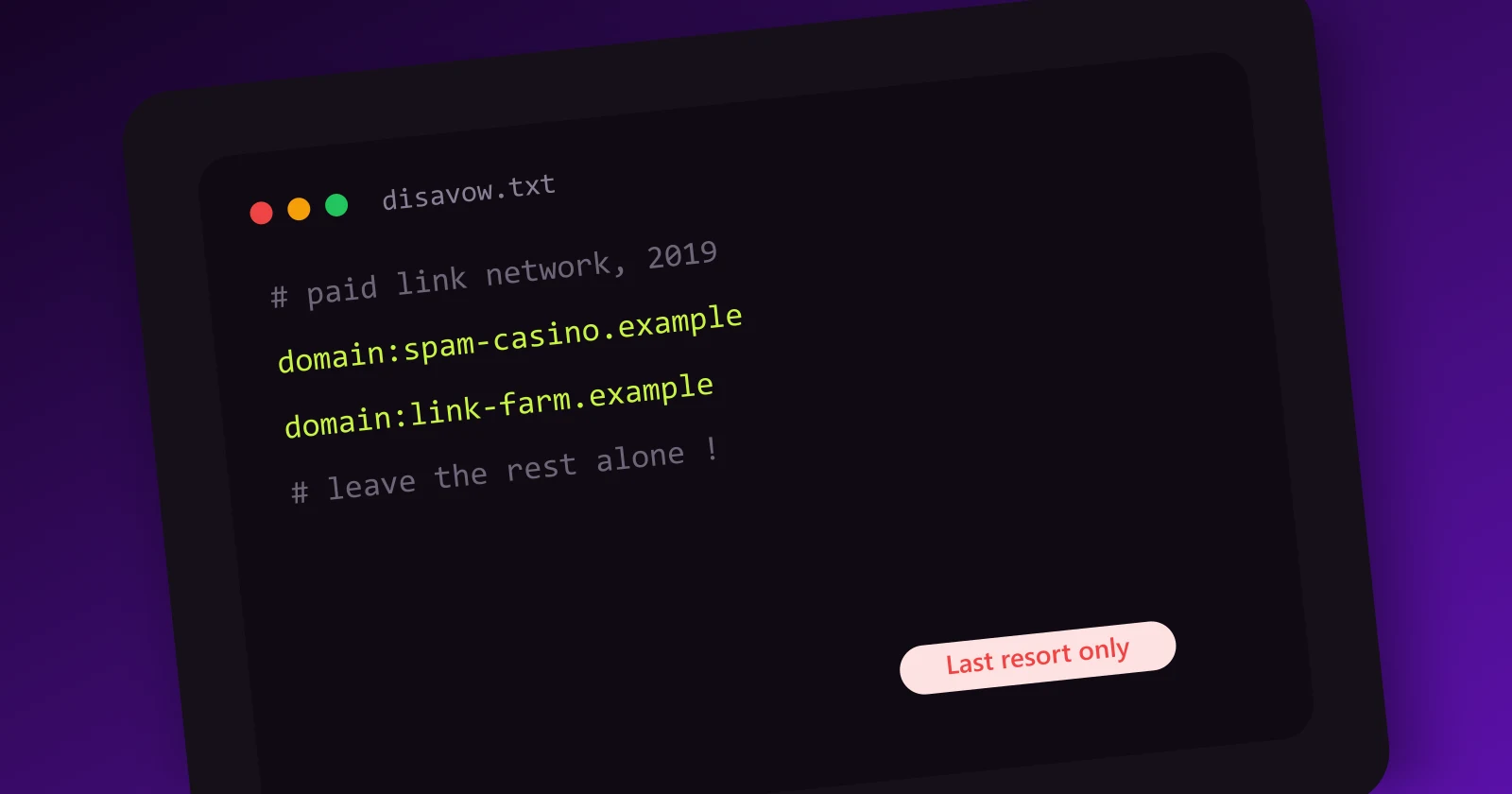
How to Disavow Backlinks (and Why You Probably Should Not)

The disavow tool might be the most misused feature in all of SEO. It was built as a safety valve for sites in serious trouble, and it turned into a ritual: site owners paying monthly for "toxic link monitoring", uploading disavow files against links that were never hurting them, and sometimes cutting off the very links that were keeping them ranked.
I will be direct about our position at Meeeters, because we get asked about this constantly during audits: most sites should never touch the disavow tool. Not as a precaution, not for hygiene, not because a tool painted some links red. This guide explains what the tool actually does, the two narrow cases where it is genuinely the right move, and the exact process for those cases, because when you do need it, you need to get the details right.
What the disavow tool actually is
The disavow tool is a feature in Google Search Console that lets you submit a list of URLs or domains and tell Google: when you evaluate my site, please ignore links coming from these sources.
Key facts that get lost in the folklore:
- It is a request, not a command. Google describes disavowed links as a "strong suggestion" it will typically honor, processed as links are recrawled.
- It does not remove links. The links stay on the web, visible in every backlink tool. Disavow only affects how Google's systems count them.
- It is per-property. A disavow file applies to the specific Search Console property you upload it for.
- It is invisible. No confirmation, no report, no "disavow processed" notification. You upload a file and the system goes quiet.
- It cuts both ways. A disavowed link passes nothing, including any value it was passing before. This is the entire risk profile of the tool in one sentence.
Google shipped the tool in 2012, in the aftermath of the Penguin update, when sites hit by link penalties needed a way to disown links they could not get physically removed. That origin explains everything about when it is appropriate: it exists for sites with a real, identified link problem, not as a maintenance routine.
Google's own position: read it before you upload
Google's guidance on disavow has been remarkably consistent for years, and it is worth quoting the substance plainly:
- Google's systems ignore most spam links automatically. The SpamBrain systems and everything descended from Penguin 4.0 are built to neutralize spam links rather than punish sites for them. The random scraper, directory and comment spam pointing at every site on the internet is already being discounted without your involvement.
- The tool is for a specific situation: you have a manual action for unnatural links, or you expect one because there is a considerable number of spammy or paid links pointing at your site that you had a hand in creating.
- Used incorrectly, it can harm your site. That is not a blogger's warning, it is Google's own documentation. Disavowing links that were helping you is self-inflicted damage with a multi-month recovery time.
John Mueller has said versions of the same thing in office hours for years: most sites do not need the tool, toxic link scores from third-party tools are not a reason to use it, and the average site owner worrying about disavow is worrying about the wrong thing.
The gap between that guidance and industry practice is enormous, and the gap has a business model behind it: toxicity dashboards and cleanup retainers sell better when link profiles feel dangerous. Which brings us to who actually should use the tool.
The two legitimate cases
After everything above, two scenarios survive as genuine disavow territory.
Case 1: manual action recovery
You open Search Console and find a manual action for "unnatural links to your site" in the Manual Actions report. This is not an algorithm being unfriendly, it is a human reviewer at Google having looked at your profile and flagged it. Rankings drop, and they stay down until the action is resolved.
Recovery requires demonstrating cleanup: remove the unnatural links where you can (outreach to the sites), and disavow what you cannot get removed. Then file a reconsideration request documenting both. In this scenario the disavow file is not optional, it is the core evidence of your cleanup, and reviewers expect to see genuine removal effort alongside it, not a lazy disavow-everything file.
Case 2: documented black-hat history without a manual action (yet)
You know, not suspect, know, that manipulative links were built for your site: you bought link packages in the past, a previous SEO agency ran PBN placements, you acquired a domain that came with a paid-link history, and the invoices, reports or placement lists exist. The links are at a scale that a human reviewer would recognize as a pattern, and you cannot get them removed.
This is Google's own "expect a manual action" clause, and it is the preventive case. Note what qualifies it: documentation and scale. "My profile has some ugly links in it" does not qualify, every profile does. "The agency we fired sent a report listing 400 paid placements" qualifies.
If you are not in one of these two situations, you can stop reading at the alternatives section. Truly. The rest of this guide exists for the sites that qualify.
The disavow decision table
Every situation we get asked about, mapped to the honest answer:
| Your situation | Disavow? | What to do instead |
|---|---|---|
| Manual action for unnatural links in Search Console | Yes | Removal outreach + disavow + reconsideration request |
| Documented paid/PBN link history at scale, no manual action yet | Yes, preventively | Disavow the documented placements, keep the evidence |
| Tool shows a high "toxicity score" | No | Read our toxic backlinks guide, then relax |
| Thousands of spammy links you never built | No | Google already ignores them; document and monitor |
| Suspected negative SEO attack | No (almost always) | Watch the Manual Actions report; act only if one appears |
| Rankings dropped after a core update | No | Core updates are about quality, not links; disavow fixes nothing |
| A few ugly directory and comment links from years ago | No | Normal internet sediment on every profile |
| Bought a domain, unknown history, profile looks odd | Audit first | Full profile review; disavow only if a documented scheme pattern emerges at scale |
| Old link exchanges with a handful of partner sites | No | Not manual-action material; build fresh links forward |
If your row says no, the honest expected value of uploading a file is negative: zero upside, real downside. That asymmetry is the whole argument.
Myths that refuse to die
A few beliefs keep pushing people toward the tool, so let us retire them explicitly.
"Regular disavow maintenance is good hygiene." There is no such thing as disavow hygiene. Google's systems do the filtering continuously and for free. A quarterly disavow ritual is quarterly exposure to the over-disavow failure mode, with no offsetting benefit.
"Disavowing bad links will lift my rankings." The logic sounds right: remove the bad, the good shines through. But if the bad links were already being ignored, there is nothing to remove from the calculation. Controlled tests and years of practitioner experience keep finding the same result: disavows without a manual action produce no measurable lift.
"My competitor disavowed and recovered, so it works." Recovery stories almost always involve a manual action, a simultaneous content overhaul, or an algorithm update that happened to land in the same window. The disavow gets the credit because it was the deliberate action taken. Correlation is doing all the work in these stories.
"I should disavow nofollow links too." Nofollow links are already not passing equity; disavowing them is disavowing nothing. The file bloat makes maintenance harder and signals a panic-driven process.
"Better safe than sorry." With disavow, this reverses: the tool is the risk, not the insurance. Leaving spam links alone costs nothing. Disavowing a link that was helping costs exactly what the link was worth, and finding out which entries those were takes months of one-variable-at-a-time waiting.
Why over-disavowing hurts
The failure mode of this tool is not filing too little, it is filing too much. It deserves its own section because it is the most common expensive mistake in the disavow story.
Here is how it happens. A site owner runs a tool audit, gets a list of 600 "toxic" links, and uploads them all. But third-party toxicity scores are pattern-matching guesses: they flag low-DR sites, foreign-language sites, sites with few outbound links, sites with odd ratios. Plenty of genuinely helpful links match those patterns: the small niche blog with real readers and no DR to speak of, the foreign-language site serving your actual market abroad, the old forum thread that still sends customers. Those scores can also be gamed in both directions, which is one more reason metric worship goes wrong.
Disavow those and Google stops counting them. Rankings dip. The owner, not connecting the dip to the disavow made weeks earlier, panics and disavows more. We have audited sites caught in exactly this spiral, and the repair is slow: remove entries from the disavow file, wait for recrawls, and hope the equity flows back over months.
The arithmetic that should hang over every disavow decision: spam links you leave alone cost you approximately nothing, because Google is already ignoring them. Good links you mistakenly disavow cost you exactly what they were worth. The risk is entirely asymmetric, and it points toward restraint.
How to build a disavow file, step by step
If you are in one of the two legitimate cases, here is the complete process.
Step 1: audit first, list second
Do not build a disavow file from a toxicity score. Run a real backlink audit: export your full profile, dedupe to referring domains, and identify the manipulative pattern specifically. You are looking for the links connected to your documented problem: the paid placements, the PBN network, the scheme, cross-referenced with whatever documentation you have. Our guide to toxic backlinks shows what genuine scheme patterns look like versus ordinary internet noise.
Step 2: attempt removal (manual action cases)
For reconsideration requests, Google expects removal effort. Email the sites hosting the worst links and ask for removal. Keep records of every attempt: dates, addresses, responses. Many will ignore you, some will demand payment (do not pay, document the demand), and the record itself is evidence for your request.
Step 3: build the file, in the right format
The format rules, exactly:
- Plain text file, UTF-8 or 7-bit ASCII, .txt extension. Not a spreadsheet, not a doc.
- One entry per line. Two entry types exist: a full URL, which disavows that single page's links, or a
domain:prefix, which disavows every link from an entire domain. - Use
domain:entries almost exclusively. A spammy domain's links are spammy from every page, and URL-level entries miss the other pages linking to you from the same site. Domain entries also cover subdomains. - Comments start with
#. Use them to note why each block is there; you will not remember in a year. - Limits: URLs up to 2,048 characters, file up to 100,000 lines and 2 MB. If you are anywhere near these limits, something has gone wrong upstream.
A correct file looks like this:
# Paid placements from [agency name] campaign, 2023
# Removal requested 2026-05-12, no response
domain:spammy-guest-post-farm.com
domain:pbn-site-one.net
domain:pbn-site-two.org

# Single hacked page, rest of the site is legitimate
https://legitimate-site.com/hacked-page-with-injected-links.html
Common formatting failures: uploading a CSV, forgetting the domain: prefix (which turns a domain into an invalid URL entry), and pasting URLs with tracking parameters. Search Console rejects malformed files with an error listing the bad lines, so at least the syntax errors fail loudly.
Step 4: submit in Search Console
The disavow tool lives slightly outside the main Search Console navigation, at its own page (search "Search Console disavow tool" or find it in the legacy tools list):
- Sign in and select the correct property. The file applies per-property, so it must be the exact one with the problem, and you need owner-level permission.
- Upload the .txt file.
- Confirm. A new upload replaces the previous file entirely, it does not append. Keep your master copy offline and always upload the complete current list.
If Search Console itself is unfamiliar ground, our Google Search Console guide covers verification, properties and the reports you will use during recovery.
Step 5: file the reconsideration request (manual action cases only)
In the Manual Actions report, submit a reconsideration request that documents: what happened, what you removed (with the outreach records), what you disavowed and why. Honest, specific and boring wins here. Preventive disavows (case 2) skip this step; there is nothing to reconsider yet.
What to expect after submitting
Set expectations low and slow, because this is where people lose their nerve:
- No confirmation ever comes. The file shows as uploaded, and that is all the feedback the tool provides.
- Processing takes weeks to months. Disavowed links are reprocessed as Google recrawls each one, and low-quality pages get recrawled rarely. The file's full effect can take a quarter to land.
- Manual action responses arrive separately. Reconsideration requests get answered in Search Console, typically within days to a few weeks: either the action is revoked or the response indicates the cleanup was insufficient.
- Do not expect a rankings jump. Even successful recoveries return you to roughly where your site deserves to rank on merit, minus whatever artificial boost the bad links once provided. Sites that ranked on paid links recover to lower positions than they remember, and that is the honest cost of the history.
- Keep the file maintained. If the spam wave continues, update and re-upload the complete file periodically. And if you later realize an entry was a mistake, remove it and re-upload; recovery of that link's value takes months too.
- Keep a change log. Because the tool gives you no history, keep your own: date of each upload, what changed, why. When you are debugging a ranking movement six months from now, that log is the only record of what the disavow file looked like at the time, and it is the first thing any competent auditor will ask for.
Alternatives first: what to do instead of disavowing
For the overwhelming majority of readers, the right response to an ugly-looking link profile is one of these:
- Audit properly before concluding anything. Most scary profiles turn out to be ordinary scraper noise around a decent core. The full method is in our backlink audit guide, and it usually ends with reclaiming lost good links, a far better use of the same afternoon.
- On negative SEO: mostly, do nothing. Competitors pointing spam links at you is the scenario the automatic ignoring systems were explicitly built for. Google's public position is that these attacks are far rarer and far less effective than the industry's folklore suggests. Document the wave, watch the Manual Actions report stay empty, and let the systems do their job. Disavowing ten thousand attack domains achieves what ignoring them achieves, with added risk of catching real links in the sweep.
- Fix the strategy, not the history. If your audit revealed over-optimized anchors or a paid-link past that is not at manual-action scale, the fix is prospective: build clean, relevant, editorial links from here forward and let the profile rebalance. That approach is the entire subject of our [safe link building guide](/backlinks/safe-link-building-guide).
- Outweigh, don't erase. A profile is judged as a whole. Twenty strong, relevant, real-traffic referring domains do more for a mediocre profile than any amount of subtraction. This is the model Meeeters runs on: an AI-powered SEO tool that finds you dofollow backlinks in your niche, from network members that are scanned and eligible, with every link checked over time to stay live and dofollow. No reciprocal links, no PBNs or spammy sites. Addition of good links is the one link-profile intervention with no failure mode.
The disavow tool is a fire extinguisher: essential in a real fire, harmful sprayed around the house weekly. If you have the manual action or the documented history, follow the steps above carefully. If you do not, close the tool and go build something worth linking to.
Not sure which situation you are in? Run a free SEO analysis: it maps your referring domains and their quality, shows whether your profile has a real problem or just normal noise, and points you toward earning your first verified backlink through the network instead of fighting ghosts.
Frequently asked questions
Quick answers to the questions people ask most about this topic.
Almost never. Google says its systems already ignore most spam links, so disavowing them changes nothing. Ranking improvements after a disavow are usually coincidence or, worse, the file accidentally included good links and rankings dropped instead. The documented benefit is limited to manual action recovery.
No. Third-party toxicity scores are educated guesses that flag huge numbers of harmless links, and Google has explicitly said not to rely on them for disavow decisions. Without a manual action or a known paid-link history, the safest disavow file is an empty one.
Weeks to months. Google must recrawl each disavowed link before it is reprocessed, and you receive no confirmation at any point. For manual action recovery, the reconsideration request response is the only real feedback loop you get.

I built Meeeters to make link building safe and simple: real, relevant backlinks with no reciprocal footprint and no black-hat shortcuts.