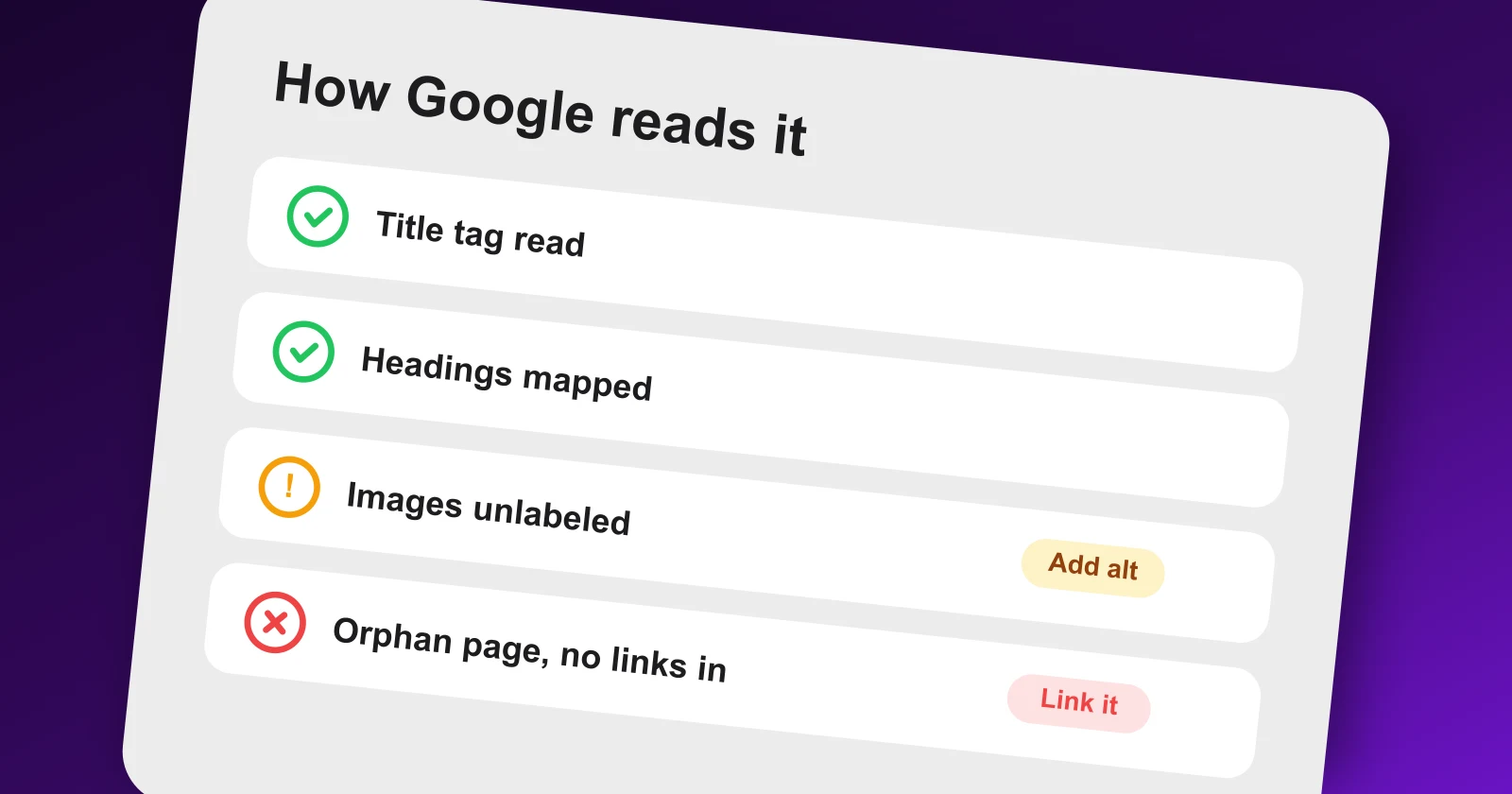
How Google Sees Your Site: Internal Links, Titles, Images and Everything Else

You look at your site and see design, brand and polish. Google sees none of that. It sees a crawler's view: links to follow, HTML to parse, titles and headings to read, and signals to weigh. Every ranking decision is made from that machine reading, not from how the site looks to a human.
So the real question is not "is my site good?" but "what does Google conclude when it reads my site?" Here is exactly what it looks at, what it decides, and how to fix each signal so its reading matches reality.
How Google discovers and reads pages
1. It follows links to find your pages
Google finds pages by following links, internal and external. A page nothing links to may never be discovered, no matter how good it is.
Do this: make sure every important page is linked from somewhere in your site, and submit a sitemap in Google Search Console. Orphan pages are invisible until you link them.
2. It decides whether it is even allowed to index
Before ranking anything, Google checks whether it is permitted to. A stray noindex or robots block silently keeps good pages out of the results.
Do this: confirm the page is not blocked in robots.txt, carries no stray noindex, and has a clean canonical. If a page is missing entirely, start with why a site is not showing on Google.
3. It renders the page to see what actually loads
Google renders pages like a browser, but budgeted. Content that only appears after heavy JavaScript or slow scripts may not be seen.
Do this: make your core content present in the HTML, not dependent on slow client-side rendering, and keep the page fast. Speed shapes both crawling and ranking, see the site speed guide.
What Google reads on each page
4. The title tag: your page's headline to Google
The title tag is one of the strongest signals of what a page is about and a major driver of clicks in the results.
Do this: write a unique title under 60 characters with the primary keyword near the front and a reason to click. No two pages should share a title. Full pass in the on-page SEO checklist.
5. Headings: the outline Google reads
H1 and H2s tell Google the structure and subtopics of your page. A page with one vague heading reads as thin; a clear outline reads as thorough.
Do this: use one H1 that states the topic, and H2/H3s that name each subtopic in the words people search. Headings are for meaning, not just styling.
6. Body text: the topic and its depth
Google reads your copy to judge what the page covers and how completely. Thin or off-topic text produces a weak, ambiguous reading.
Do this: answer the query directly near the top, then cover the follow-up questions fully. Completeness is what Google rewards, not word count for its own sake.
7. Images: Google reads the labels, not the picture
Google cannot see what an image depicts. It relies on the file name, alt text and surrounding copy to understand it, and to rank it in image search.
Do this: use descriptive file names (silo-structure-diagram.webp, not IMG_4821.png) and write alt text that describes the image plainly. Compress to WebP so it does not slow the page.
8. Structured data: facts Google can trust
Schema markup hands Google explicit, machine-readable facts about your page, which can earn rich results and clearer understanding.
Do this: add accurate schema (FAQ, article, product) that matches what is actually on the page. Marking up content that is not there can backfire.
How Google weighs your pages against each other
9. Internal links: which pages you say matter
Internal links tell Google which of your pages are important and how they relate. Google largely trusts your own signals about your own site.
Do this: link your most important pages from your strongest pages, keep them within three clicks of the homepage, and use descriptive anchors. Method in the internal linking guide.
10. Site structure: the map Google builds
From your links and URLs, Google builds a map of what your site is about and where its authority sits. A messy structure produces a muddled map.
Do this: organize content into topical silos with clean URL paths. The Meeeters audit shows your structure and clusters, so you see the map Google builds, not the one you imagine.
11. Anchor text: what your links say a page is about
The words you link with tell Google what the target page covers. Vague anchors waste that signal.
Do this: link with descriptive anchors ("internal linking guide") instead of "click here", internally and when others link to you. Keep external anchors natural and varied.
What Google concludes about your whole site
12. Authority: whether the web vouches for you
Beyond any single page, Google weighs whether other sites link to you. Backlinks are how the web tells Google you are credible, and they heavily shape what you can rank for.
Do this: see where you stand by running a free SEO analysis, which returns your site strength as a simple gauge. If it reads weak, that is why strong on-page work still is not ranking, and it points you at authority. Earn links without a footprint through Meeeters' non-reciprocal network.
13. Experience and trust signals (E-E-A-T)
Google also reads signals of experience, expertise, authoritativeness and trust, especially on topics where accuracy matters.
Do this: show real authorship, cite sources, keep content accurate and updated. Background in what E-E-A-T is.
Why this matters
The gap between how a site looks to you and how it reads to Google is where rankings quietly die. A beautiful page with a duplicate title, no internal links and unlabeled images reads to Google as thin and unimportant, so it loses to a plainer page that reads clearly. You cannot fix what you cannot see, and you cannot see your own site the way a crawler does by looking at it in a browser. Making Google's reading match your intent is often the cheapest ranking work there is, because nothing is wrong with the content, only with the signals.
Meeeters vs a raw crawler
A technical crawler (Screaming Frog, Sitebliss) dumps every link, title and status code, thousands of rows with no priority. Search Console shows Google's view but scattered across reports and only for pages it already found. Meeeters analyzes your live site and gives you the reading in plain language: the pages Google sees, your structure and clusters, the orphans, your site strength, and the highest-priority fixes and pages to create, in one view. Then it does what a diagnostic cannot: closes the authority gap that decides how much of that clean structure actually ranks.
See your site the way Google does
Start here: analyze your site to see how Google reads it, your structure, indexed pages, site strength and quick wins. Fix the signals above so its reading matches your intent, then earn the authority that turns a clearly-read site into a ranking one.
Frequently asked questions
Quick answers to the questions people ask most about this topic.
As a crawler, not a browser. It follows links from page to page, reads the HTML, titles, headings, text and alt attributes, renders the page to see what loads, and builds an index of what each page is about and how pages relate. It cannot see visual design or anything blocked from crawling.
Google cannot read the content of an image the way a person does. It relies on the file name, alt text, surrounding text and captions to understand what an image shows. Unlabeled images tell Google almost nothing.
Use Google Search Console's URL Inspection and crawl reports, and run a site audit. Meeeters analyzes your live site and shows the pages Google sees, your structure, and the signals that shape how it reads you, all in one view.
Because Google is reading signals, not judging design. The other page may have clearer titles, better internal links, stronger topical structure or more authority. Fix what Google reads, not what looks good to you.

I built Meeeters to make link building safe and simple: real, relevant backlinks with no reciprocal footprint and no black-hat shortcuts.