How to Connect Webflow and Publish AI Drafts to Your CMS

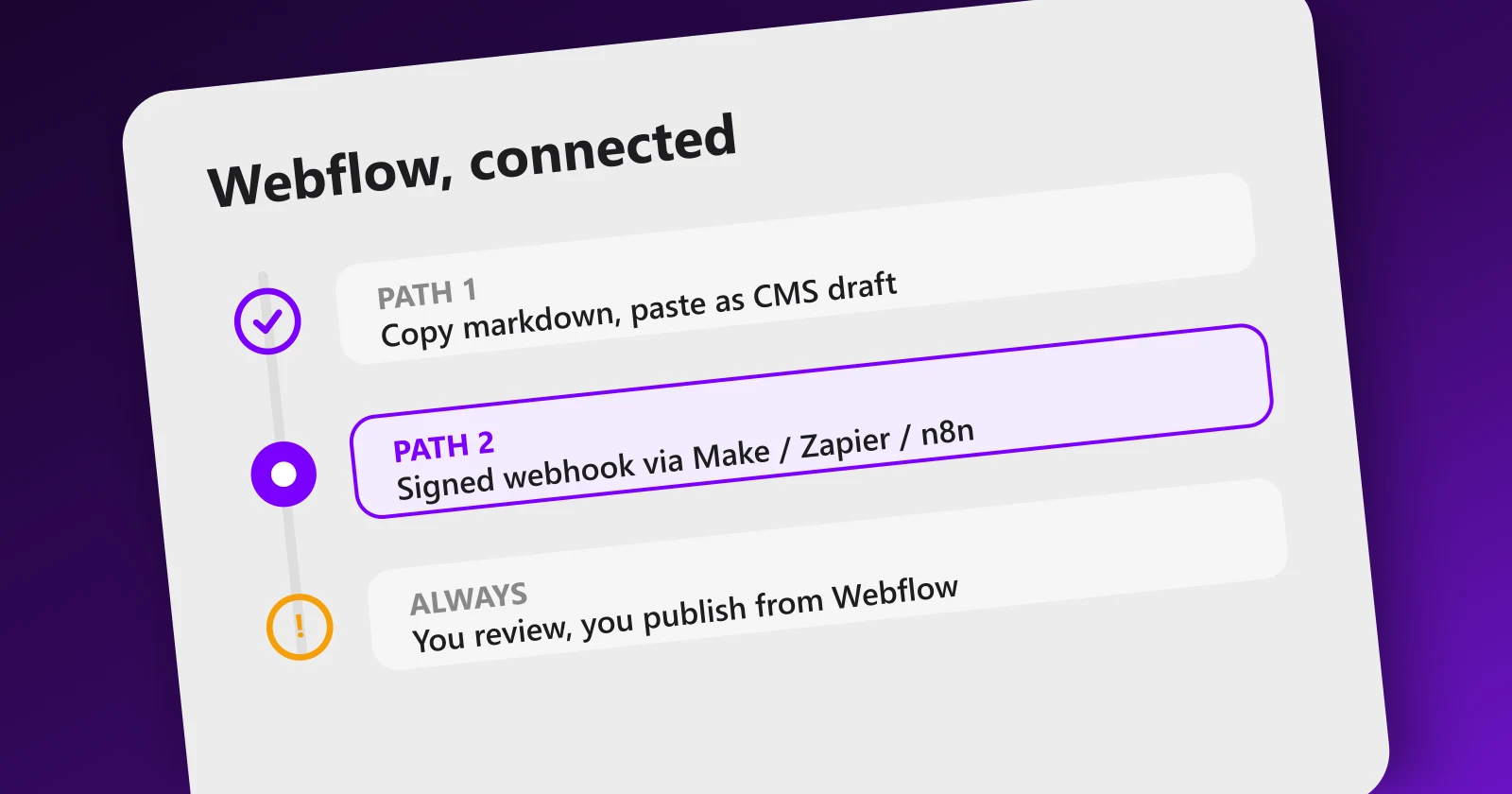
Webflow users used to get the short straw with AI content tools: the demo shows one-click WordPress publishing, and the Webflow answer is a shrug. Not anymore. Meeeters now ships a native Webflow connector that takes one pasted token and two minutes, plus two fallback paths if you prefer manual control or your own automation. Here is exactly how to wire each one, and the one rule that keeps the whole thing safe.
Path 1: the native connector (one token, two minutes)
This is the path for almost everyone:
- Generate a site API token in Webflow. Open Site settings, then Apps and integrations, then API access, and click Generate API token. Give it CMS read and write plus Sites read permissions. Copy it, Webflow shows it only once.
- Paste it in Meeeters. In Settings, open Connect your site: if we detected Webflow on your domain, the Webflow tab is already selected. Paste the token and click Connect.
- That is the whole setup. We find your site, locate your blog collection (by name, or the first collection with a rich text field) and map the fields automatically: title to name, body converted to rich text, meta description to a matching text field when one exists.
- Send drafts. Generate a draft from any recommendation in your audit, review it, and click Send to Webflow (draft). The article appears as a draft item in your collection.
- Publish from Webflow. Review in the Editor, fill any extra required fields (cover image, author), publish the site as usual.
Path 2: copy markdown (zero setup)
Still the right route for your first article or a very low cadence:
- Generate and review the draft in your dashboard. The review step happens here, before anything touches your site.
- Click Copy markdown. You get the full article: title, meta description and body.
- Convert to rich text. Webflow rich text fields do not accept raw markdown, so run it through any markdown-to-rich-text converter first.
- Paste into a new CMS item, fill the SEO fields, save as draft, publish whenever you decide.
If you publish a handful of pages a month, which is the right cadence for most sites anyway, this may be all you ever need.
Path 3: signed webhook (for automation builders)
If you want the draft to flow through your own pipeline (Make, Zapier, n8n or a custom endpoint), choose Webhook in Settings instead. Meeeters signs every payload with an X-Meeeters-Signature header (HMAC-SHA256 of the body with your secret) and sends title, meta_description, lang and markdown as JSON. Your scenario verifies the signature, converts the markdown and runs a Create CMS item action set to draft. The webhook guide has the exact copy-paste verification code, and the Webflow integration page keeps the current best path up to date. On multilingual sites, use the lang field to route the item to the right locale.
The rule that makes every path safe
Notice what all three paths refuse to do: publish. That is deliberate, not a missing feature. Automation should carry the draft to your CMS; a human should press publish, because unreviewed automated publishing is precisely what Google's scaled content abuse policy was written to catch, and the penalty lands on the whole domain. Keep the workflow shape: audit selects the page, AI drafts it, you review, Webflow receives a draft, you publish.
One more Webflow-specific note: your new pages will only rank if your domain has the authority to carry them. Webflow gives you clean markup and fast pages out of the box, but backlinks still decide competitive queries. If your articles are landing in the CMS but not in the rankings, the missing half is link building, not a better connector.
Want to see which pages your Webflow site is missing before you connect anything? A free SEO analysis crawls your structure and returns the recommended pages, each with its silo and intent, ready to become your first drafts.
Frequently asked questions
Quick answers to the questions people ask most about this topic.
You can deliver it automatically, and you should not publish it automatically. The connector creates CMS items as drafts, then you review and publish from the Webflow Editor. Auto-publishing unreviewed AI pages is the exact pattern Google's scaled content policy targets.
The connector picks the collection whose name looks like a blog (blog, posts, articles, news), or the first collection that has a rich text field. Title goes to the name field, the body is converted to rich text, and the meta description fills a matching text field if your collection has one.
CMS read and write, plus Sites read. You generate it in Webflow under Site settings, Apps and integrations, API access. Meeeters stores it server-side only and never shows it again.
Not if it is reviewed. Google's policy targets mass-produced unreviewed pages, not the tool. Drafts that land in your CMS as drafts, get edited by you and fill real gaps in your structure are standard content production.

I built Meeeters to make link building safe and simple: real, relevant backlinks with no reciprocal footprint and no black-hat shortcuts. Questions about your site? Write to me directly.
Email us